
How to dropship on Whop
Whop takes the payment and pays you out, and Ecom OS adds the store, places each paid order with your supplier and brings the tracking back.
Free 10-day trial, then from $25 a month. One subscription, unlimited stores.
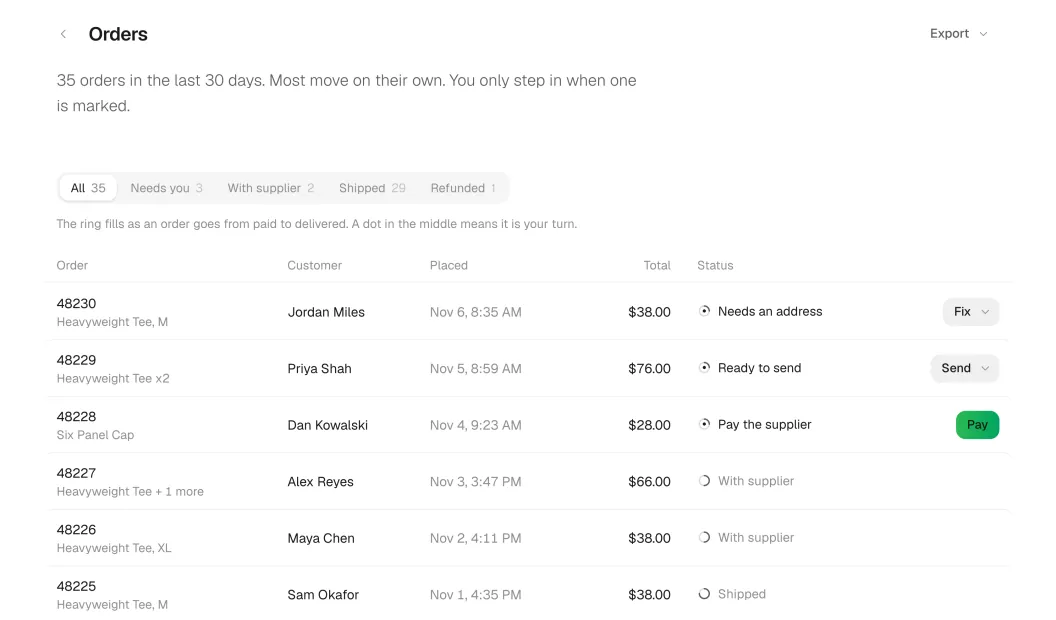
What Whop gives you, and what it leaves to you.
Whop is where your business, its checkout and its payouts live. It was not built around a supplier, so a few jobs a dropshipping store needs are not there on their own.
What Whop gives you
- A business, where your products, payments and buyers live
- A checkout that takes cards and wallets, with the money going to your Whop business
- Payouts of what you make, to your bank
What it leaves to you
- A supplier: Whop does not connect to AliExpress, CJdropshipping, Printful or Printify
- The order: a paid order on Whop is not sent to anyone, so someone has to place it with the supplier
- The emails: when a tracking number is added, Whop emails the buyer nothing
Start to finish, in four parts.
-
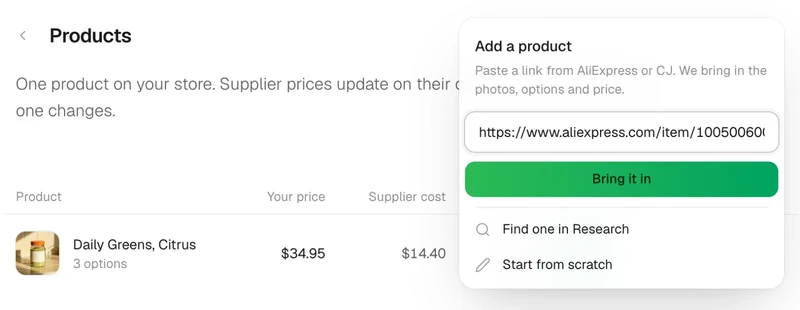
Add a product Paste a link from AliExpress or CJ. We bring in the photos, options and price. https://www.aliexpress.com/item/daily-greens Bring it in Find one in Research Start from scratch
Paste a link.
From AliExpress or CJdropshipping. The photos, options and price come in, and you set yours.
-
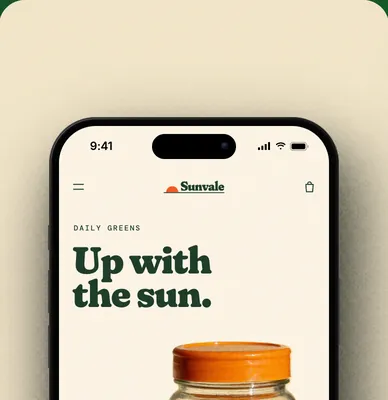
Build the store.
Blocks and pages you edit in a live preview, on your own domain.
-
Secure checkout
Sell with Whop.
Shoppers pay with Whop checkout, and the money goes to your Whop business.
-
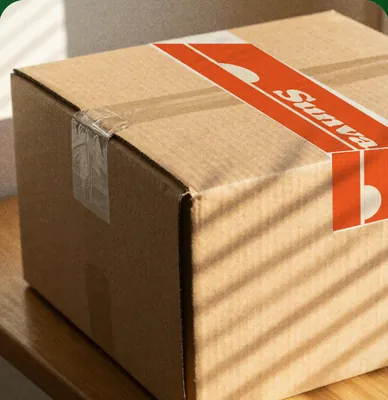
Your supplier ships.
Each paid order is placed with your supplier, and the tracking goes back to Whop.
The steps, with Ecom OS.
Install Ecom OS on your Whop business
Press Install on Whop, sign in, and pick your Whop business. Ecom OS opens inside your Whop dashboard, and its setup walks you through the rest.
Connect a supplier
On Suppliers, sign in to AliExpress and paste the code it shows, or paste an API key from your CJdropshipping account. Printful and Printify are in Beta: sign in or paste a token.
Paste a product link
On Products, press Add a product, paste a link from AliExpress or CJdropshipping and press Bring it in. The photos, options and supplier cost come in.
Set your price
You choose the price of every option, with the supplier cost beside it. Ecom OS makes the product on Whop, with the shipping address turned on at checkout.
Build and publish your store
On Storefront, change the words, photos and blocks of every page in a live preview, then press Publish. It goes live on its own free address, or on a domain you own.
See Page builderPaid orders go to your supplier
When a shopper pays with Whop checkout, Ecom OS places the order with your supplier. Hold rules stop risky orders, and one payment is never placed twice. AliExpress orders arrive unpaid: you pay them on AliExpress, where several can be paid together.
See Dropship automationTracking comes back
Ecom OS gets the tracking number from the supplier, adds it to the order on Whop and shows it on your store's tracking page. The shipping email goes out once you approve it.
See Order tracking
Set your price. See the supplier cost.
- Photos, options and supplier cost come in
- You set every price
- Supplier cost and stock checked on every product
- An order from two suppliers is split between them
What it costs.
Whop charges 2.7% plus $0.30 on a domestic card and a $0.07 fraud check on each payment, with no monthly fee. More on Whop's fees.
You pay your supplier from your own supplier account, at the supplier's price. Ecom OS never holds that money.
Ecom OS has a free 10-day trial, then $25 a month or $240 a year for up to 1,000 orders a month. Whop asks for your card when the trial starts. One subscription covers every store you own, and Ecom OS takes no share of your sales.
Questions, answered.
Do I need a Whop business?
Yes. Ecom OS is an app you install on your Whop business. Whop holds the checkout, the payments and your payouts, and Ecom OS runs what happens after each sale.
Are AliExpress orders paid automatically?
Not yet. AliExpress orders arrive unpaid, and you pay them on AliExpress, under Orders, Awaiting payment, where several can be paid together. Ecom OS shows which orders are waiting. CJdropshipping orders are paid from your CJ wallet by default.
Which suppliers work with it?
AliExpress and CJdropshipping, with each paid order placed automatically. Printful and Printify work too, in Beta. You can also ship stock you hold yourself, with labels from your own shipping label account.
Can my AI set up the store for me?
Yes, if you want it to. Connect Claude, ChatGPT or another AI app and it can find products, propose prices and build the store with you. It never places a supplier order. How the MCP connection works.