
Ecommerce, start to finish, in Whop
Paste a supplier link, build your store and sell it with Whop checkout. Each paid order goes to your supplier automatically.
Free 10-day trial, then from $25 a month.
-
Add a product Paste a link from AliExpress or CJ. We bring in the photos, options and price. https://www.aliexpress.com/item/daily-greens Bring it in Find one in Research Start from scratch
Paste a link.
From AliExpress or CJdropshipping. The photos, options and price come in, and you set yours.
-
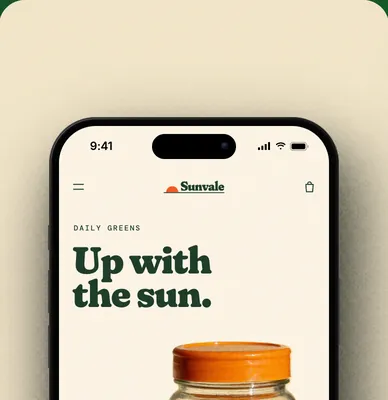
Build the store.
Blocks and pages you edit in a live preview, on your own domain.
-
Secure checkout
Sell with Whop.
Shoppers pay with Whop checkout, and the money goes to your Whop business.
-
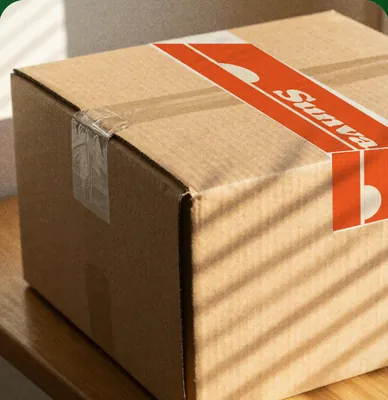
Your supplier ships.
Each paid order is placed with your supplier, and the tracking goes back to Whop.
Order from
 AliExpress
 CJdropshipping
 Printful Beta
 Printify Beta
- More coming soon
Everything a store needs, built in.
15 apps in one, and new ones all the time.
- Page builderPages and blocks, with drafts and version history
- Bundles and upsellsQuantity packs, bundles, mix and match and add-ons
- Cart drawerA slide-out cart with a free shipping bar and reward tiers
- ReviewsOrder-verified reviews, imports and a Verified badge
- Pop-upsSign-up forms, a wheel, a scratch card and a mystery box
- Email and workflowsShipping, review and back in stock emails, and workflows you draw
- InboxCustomer replies and contact form messages in one place
- SearchSearch across your products and collections
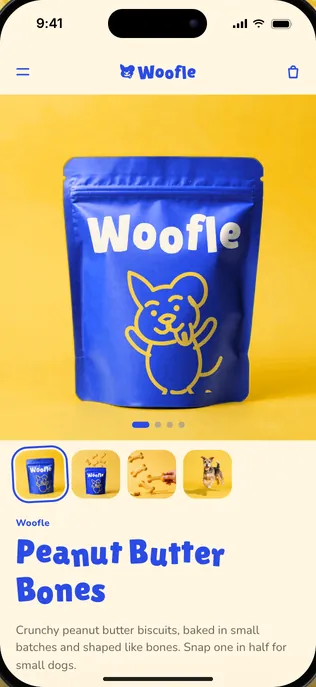
- Shipping labelsBuy and print labels for the orders you ship yourself
- Order trackingA tracking page on your store and tracking in every shipping email
- ReturnsA return form, linked from your refund policy and help pages
- Analytics and pixelsSales, traffic and conversion, plus Meta, TikTok and Google pixels
- Product researchAliExpress and CJ best sellers with landed cost and margin
- Ad researchA board of ads running now, sorted by product and angle
- Dropship automationPaid orders placed with AliExpress and CJdropshipping
- Add any custom codeYour AI can write your own pages, styles and code blocks, behind a switch you turn on.
See every app Open any app above to try it, right here. One subscription covers them all.
Built for both you and your agents.
- Claude
- ChatGPT
- Cursor
- Claude Code
Match my store to the new label.
- set_themeTheme
- update_sectionChange a section
- preview_storefrontPreview the draft
Ready for you to publish.
Publish changes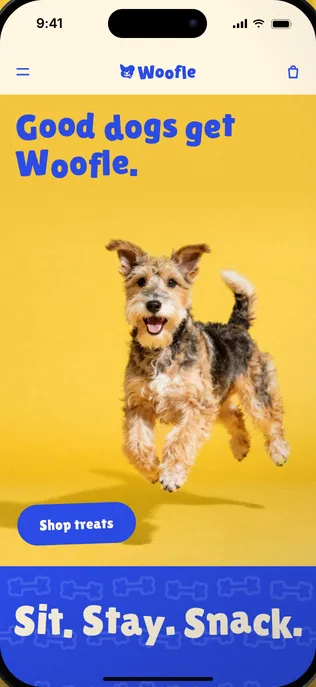


Connect over MCP
Claude, ChatGPT, Cursor or Claude Code connect to Ecom OS over MCP, with Sign in with Whop.
One connection, every store
One connection covers every store you own, across your Whop businesses.
You stay in charge
Your AI cannot place supplier orders. It switches your customer emails on or off only as you ask, its store edits save to your draft, and it is asked to check with you before it publishes.
No AI bill from us
Ecom OS calls no AI itself, and everything also works from the dashboard.
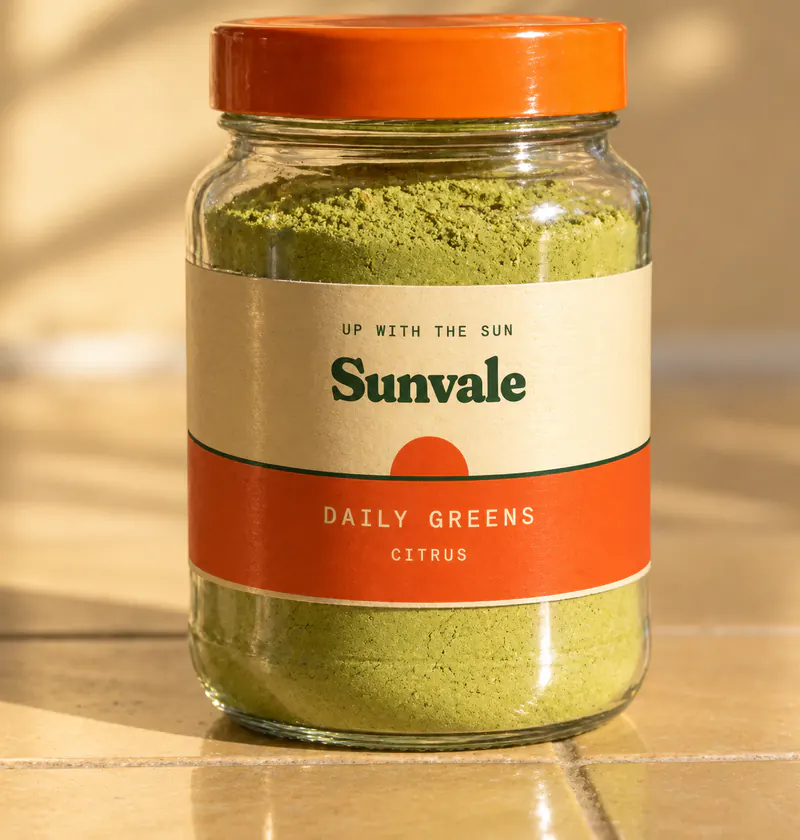
Paste a supplier link. Set your price.
- Photos
- Variants
- Costs
- Your profit

Set your price
Daily Greens, Citrus
- Landed cost
- $14.40
- Whop fees
- $1.31
- Profit before ads
- $19.24
Landed cost is the product and its shipping from the supplier. Whop fees are Whop's card and fraud check fees for a domestic card, 2.7% plus $0.37. Try your own price.
Photos and variants come in
Every option the supplier sells, with its photos. Pick the ones you want to sell.
Costs you can see
The landed cost and your profit for each variant, before you publish.
Cost changes, flagged
Supplier costs are checked again for AliExpress and CJdropshipping products, and Printify ones in Beta. When one goes up, you get an alert.
Your suppliers
AliExpress and CJdropshipping, with Printful and Printify in Beta. Or find one in Research.
Every order pushes to your supplier.
Ship it yourself? Buy the label right on the order.

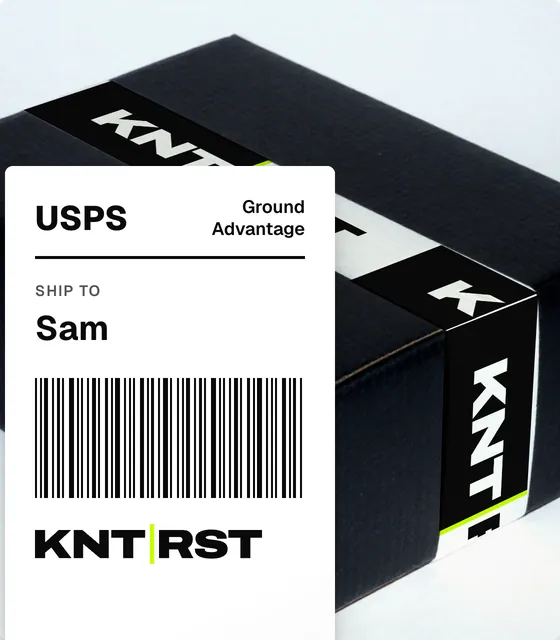
- Labels on your own label account
- Tracking sent to Whop
Placed for you
Each paid order is placed with your supplier right after payment, and one payment is never placed twice.
Hold rules
Rules you set stop risky orders before they are placed.
AliExpress, honestly
AliExpress orders arrive unpaid for now, so you pay each one on AliExpress. Ecom OS shows which are waiting.
When you ship it
Labels, packing slips and a pick list for your own stock, and returns on the same page.
Make it look like you.
Every block, every page, on your own domain.
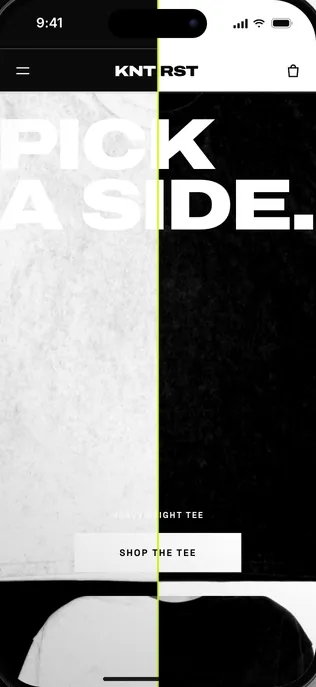
Every block
Change the words, look and layout of any block in a live preview, on a phone or a computer.
Drafts and versions
Save a draft, preview it, publish when it looks right, and go back with version history.
Selling built in
Bundles, reviews, a cart drawer, search and pop-ups are blocks too, priced from your own prices.
Your own domain
Every store gets its own address. Connect a domain you own and Ecom OS checks it until it is live.
Emails and flows, in your name.
Replies land in your inbox.
Sent on their own
Your order is confirmed and we are getting it ready. We will email you again when it ships.
Your order has shipped. Here is how to follow it.
The carrier gave your parcel a new tracking number. Use this one from now on.
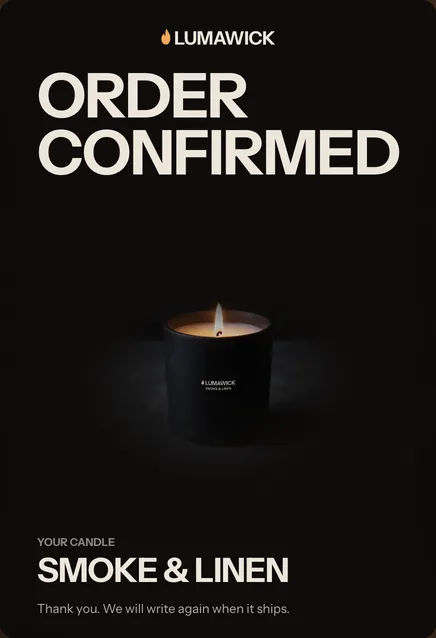
Order emailsMarketingFlows
SubscribersMessages 3
Your message to Lumawick
Nora Diaz nora@example.com
Does Smoke & Linen come in a bigger size? I want one for the living room.
Hi Nora,
Not yet, but Night Fig burns longer. Want me to save you one?
Reply to nora@example.com
In your store's name
Order, shipping, delivered, review and back in stock emails go out under your store's name.
On by default, off when you say
Receipts, delivery notes, review requests and the rest send on their own. The shipping email waits until you choose what it says about tracking. Switch any email off whenever you like.
Flows you draw
Emails, waits and conditions as boxes and lines, with starters for a welcome series, after a purchase, an abandoned checkout and a win-back.
One inbox
Replies and contact form messages land in one inbox inside Whop, and you answer from your store's address.
Your numbers, your pixels.
Revenue, orders and the funnel, against the period before.
You made $1,322 in the last 30 days, 299% more than the 30 days before.
- Revenue
- $1,322
- Orders
- 32
- Average order
- $41.31
- Units sold
- 38
Up 299% from $331
25 more than 7
Down 13% from $47.29
30 more than 8
Revenue over timeLast 30 daysThe 30 days before
Your pixels
- Google AnalyticsAdded
- Meta PixelAdded
- TikTok PixelAdded
Against the period before
Revenue, orders, average order and units for any range, beside the period or the year before.
The funnel
Page views, checkouts and orders, where visitors came from, and sales by product.
Your pixels
Add your Google Analytics, Meta Pixel and TikTok Pixel IDs and your store sends the events, after consent where your store asks.
From $25 a month. Unlimited stores.

Available on Whop
Free 10-day trial, then $25/mo or $240/yr for up to 1,000 orders a month.
- $99 a month for up to 10,000 orders a month, offered once your stores pass 1,000 in a month
- More than 10,000 orders a month? Email support@ecomos.build and we set up a plan with you
- Every Whop business you own, on one plan
- Store, editor, cart and Whop checkout
- Supplier ordering for AliExpress and CJdropshipping, Printful and Printify in Beta
- Orders, labels, returns, emails, flows and the reply inbox
- 10,000 emails a month included, 50,000 on the $99 plan, shared across your stores
- Your own domain and an MCP connection for your AI
- No share of your sales
Questions, answered.
What is Whop?
Whop is where your business, its checkout and its payouts live. Ecom OS is an app you install on your Whop business. It adds the store and runs what happens after each sale.
How do I start?
Press Install on Whop. Whop asks you to sign in and pick the business to install Ecom OS on, and the setup inside Ecom OS takes it from there.
Which suppliers work with it?
AliExpress and CJdropshipping, with each paid order placed automatically. Printful and Printify work too, in Beta. You can also ship your own stock and print labels and packing slips.
Are supplier orders paid automatically?
Not on AliExpress yet. AliExpress orders arrive there unpaid, and you pay each one on AliExpress. Ecom OS shows you which orders are waiting for payment.
How do payments work?
Shoppers pay with Whop checkout on your store, and the money goes to your Whop business like anything else you sell there. You pay your supplier from your own supplier account. Ecom OS takes no share of your sales.
What is included?
Everything on this page, for every Whop business you own: the store and editor, supplier ordering, orders, labels and returns, emails and flows (10,000 marketing emails a month, 50,000 on the $99 plan, shared across your stores; order emails are never counted), the reply inbox, domains and the MCP connection.
What does it cost?
Free 10-day trial, then from $25 a month: $25 a month or $240 a year for up to 1,000 orders a month, counted across all your stores. When your stores pass 1,000 orders in a calendar month, you can move to $99 a month for up to 10,000 orders a month and 50,000 marketing emails. You have 14 days to move up; after that, editing, publishing and new marketing wait until you do. Orders never stop: every paid order still goes to your supplier and your store stays live. More than 10,000 orders a month? Email support@ecomos.build and we set up a plan with you. One subscription, unlimited stores: one plan covers every Whop business you own.
Do I need my own AI?
No. Everything works from the dashboard. If you use Claude, ChatGPT, Cursor or Claude Code, you can connect it over MCP and work on the store together. Ecom OS calls no AI itself.